
Finds
BBDBuy Finds, Organised Around the Decision You Need to Make
What a BBDBuy Find Means on This Site
What are BBDBuy finds?
BBDBuy finds are product references used as starting points for shopping research. BBDBuy Spreadsheet organises those references by category so you can compare relevant options instead of searching through unrelated listings.
Start Narrower Than the Full Catalogue
Product discovery becomes less useful when every category is mixed into one feed.
The Finds directory is organised around a simpler idea: choose the kind of decision first, then choose the product.
Footwear requires fit and shape checks. Electronics require compatibility checks. Bags require dimension checks. Perfume may require shipping-eligibility research before the product itself is worth comparing.
That is why the category pages on BBDBuy Spreadsheet do not all use the same buying checklist.
Pick the Category That Matches the Risk
Start with Shoes, Hoodies & Sweaters, T-Shirts, Jackets, Pants & Shorts, Women, Jersey, Headwear or Underwear & Socks.
These pages focus more heavily on measurements, silhouette, layering, proportion and how to compare labelled sizes with real dimensions.
Start with Bags & Belts, Watches or Glasses.
Close-up product photography can make objects look larger than they are. These categories emphasize dimensions and proportion before styling.
Start with Electronics.
A visually correct product can still be useless if the connector, power requirement, device support or included accessories do not match your needs.
Start with Perfume or certain Electronics.
Check route eligibility and product restrictions before spending time optimizing the product choice.
Start with Shoes QC or use the QC guide alongside the relevant category.
Do Not Confuse Discovery With Approval
A product card earns attention. It does not earn automatic approval.
Before a find moves onto your shortlist, open enough information to answer the questions that could change your mind. The exact questions differ by category, but the principle stays the same: remove uncertainty in the order that matters most.
For example, there is little value comparing stitching details on a jacket if the available measurements already show it will not fit the way you want.
Category Directory
Choose the category that matches the decision you are trying to make.
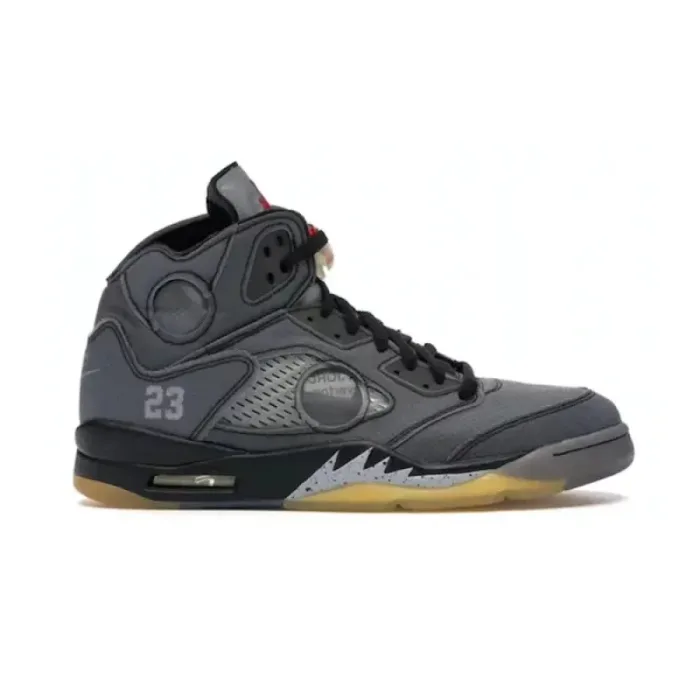 ShoesBuild a footwear shortlist around size, intended use, shape and available visual references.Explore →
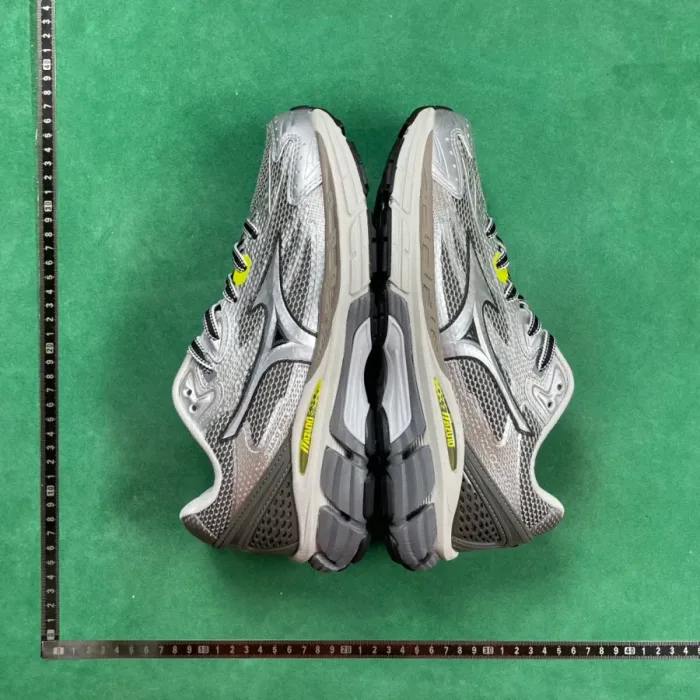 QC PhotosShoes QCInspect pairs in a consistent sequence: correct item, size label, pair symmetry, shape, sole alignment and visible defects.Explore →
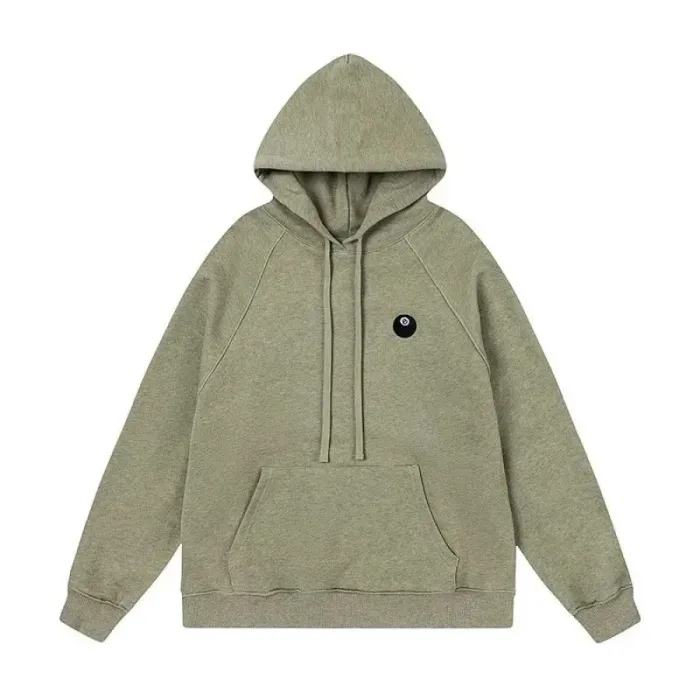 Hoodies & SweatersCompare silhouette and measurements before deciding between regular, relaxed or oversized fits.Explore →
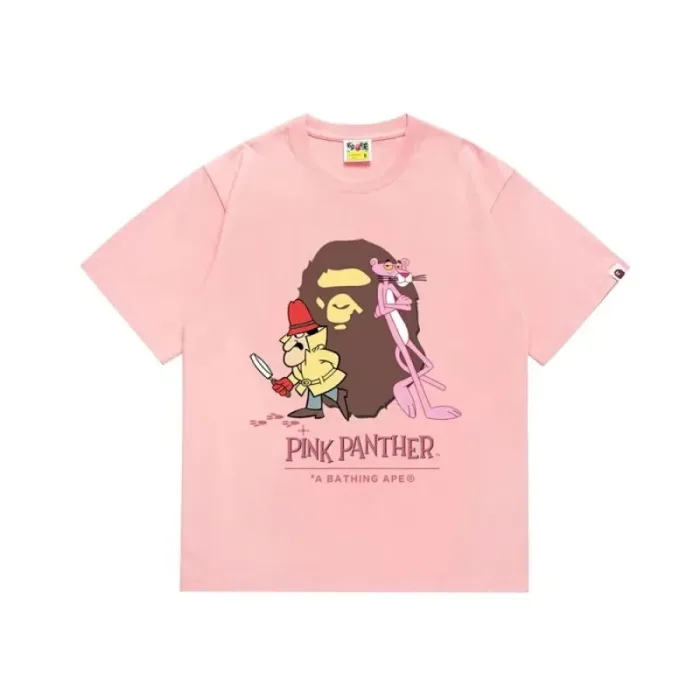 T-ShirtsUse a shirt you already own as a measurement reference instead of relying only on S, M, L or XL.Explore →
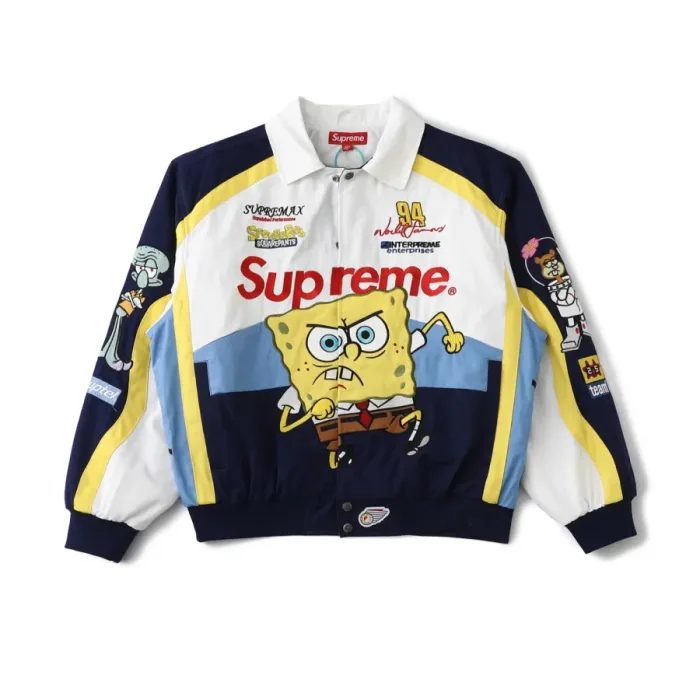 JacketsThink about what you will wear underneath, then check dimensions, closures, thickness and shipping bulk.Explore →
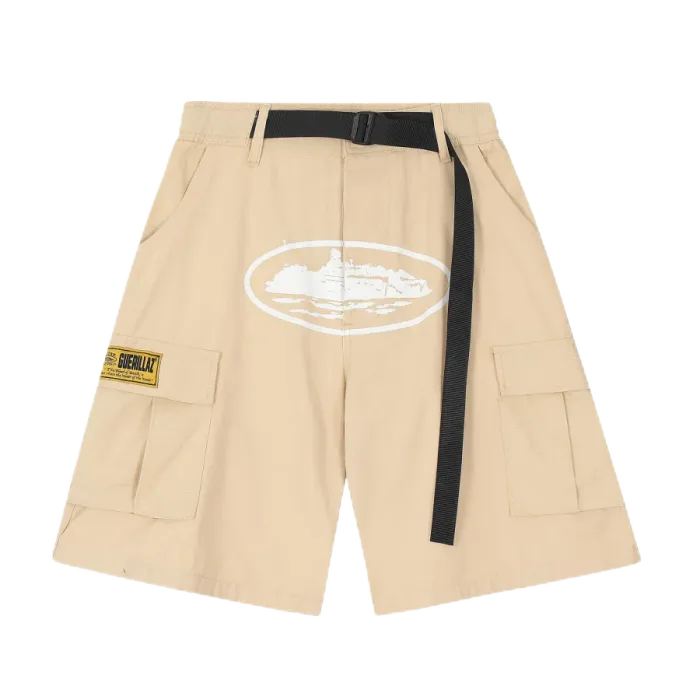 Pants & ShortsLook beyond waist size to rise, thigh room, inseam, total length and the intended silhouette.Explore →
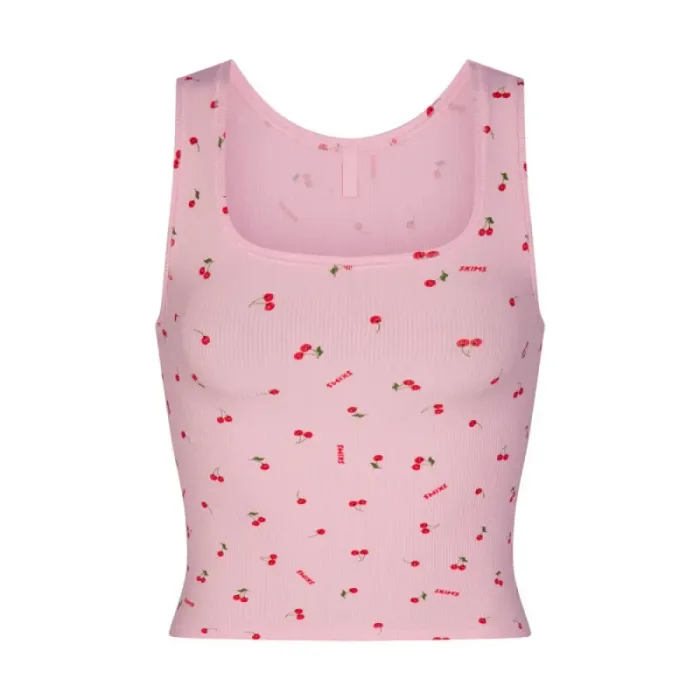 WomenBrowse clothing, footwear and accessories with a proportion-first approach rather than assuming one universal size system.Explore →
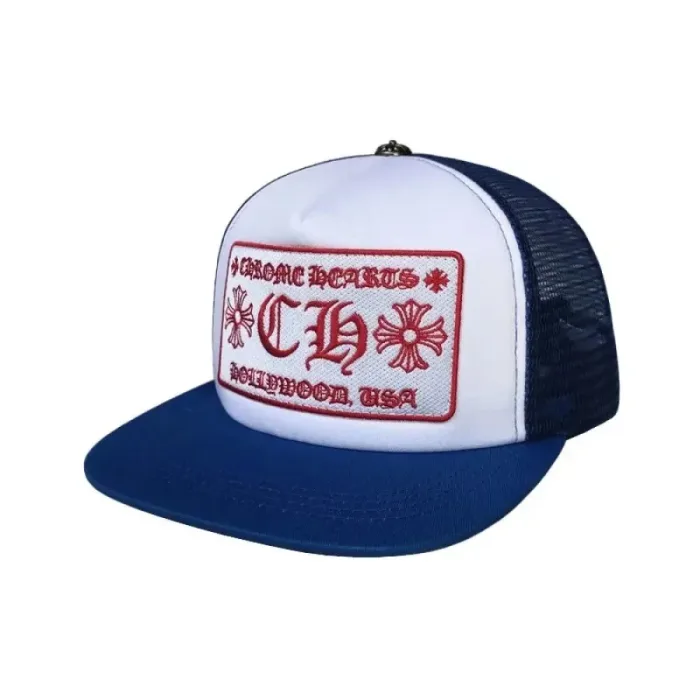 HeadwearCheck circumference, adjustability, crown structure and brim shape when those details are available.Explore →
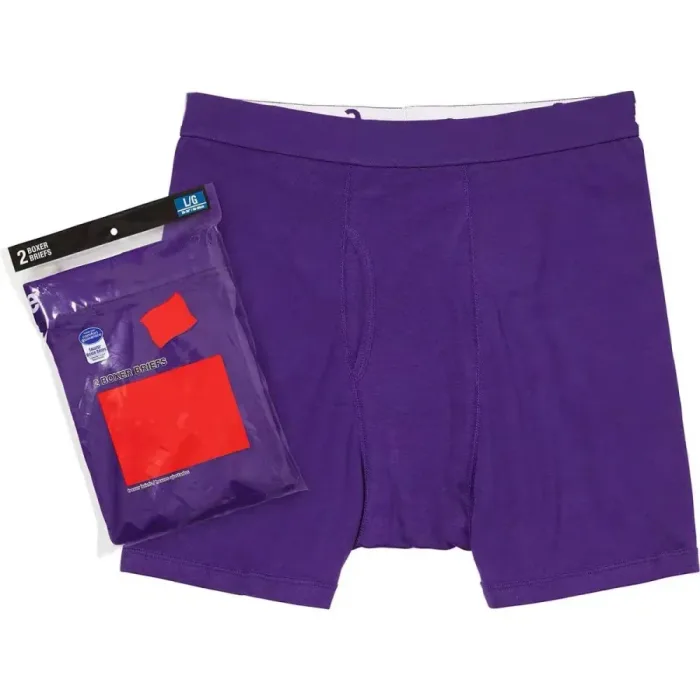 Underwear & SocksConfirm pack quantity, size, material description and exactly what is included before comparing prices.Explore →
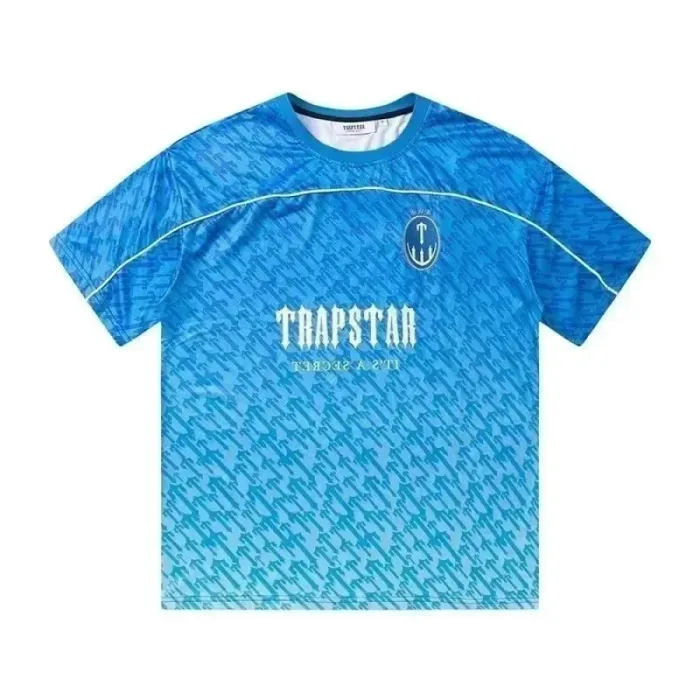 JerseyCheck print placement, numbering, badges, names, collar shape and whether you plan to layer underneath.Explore →
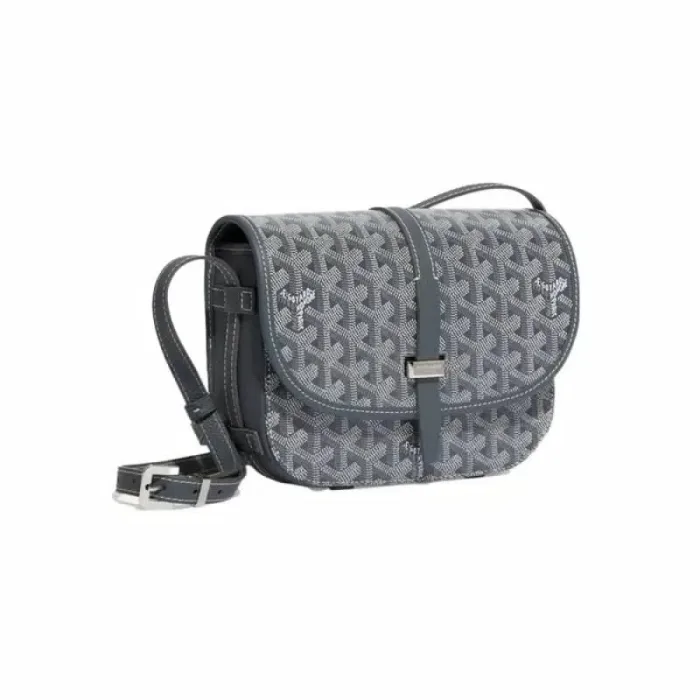 Bags & BeltsUse physical measurements to understand scale, then inspect straps, hardware, zippers, buckles and attachment points.Explore →
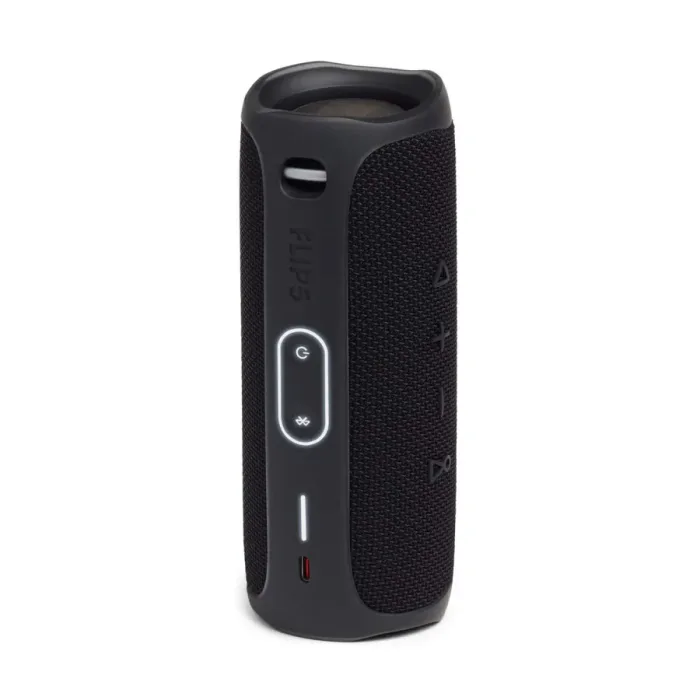 ElectronicsConfirm compatibility, connector type, included accessories and shipping restrictions before a low price becomes persuasive.Explore →
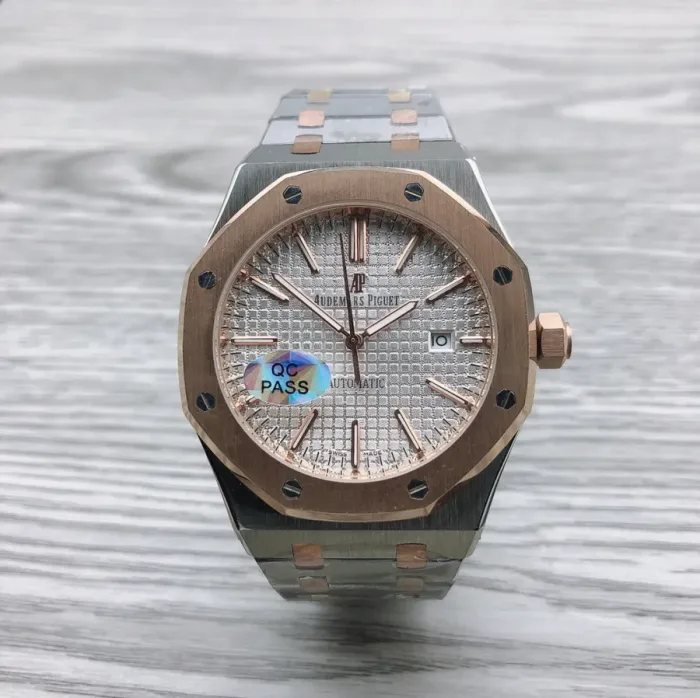 WatchesPay attention to case dimensions, strap information and real-world scale; close-up photos can make small objects look larger than they are.Explore →
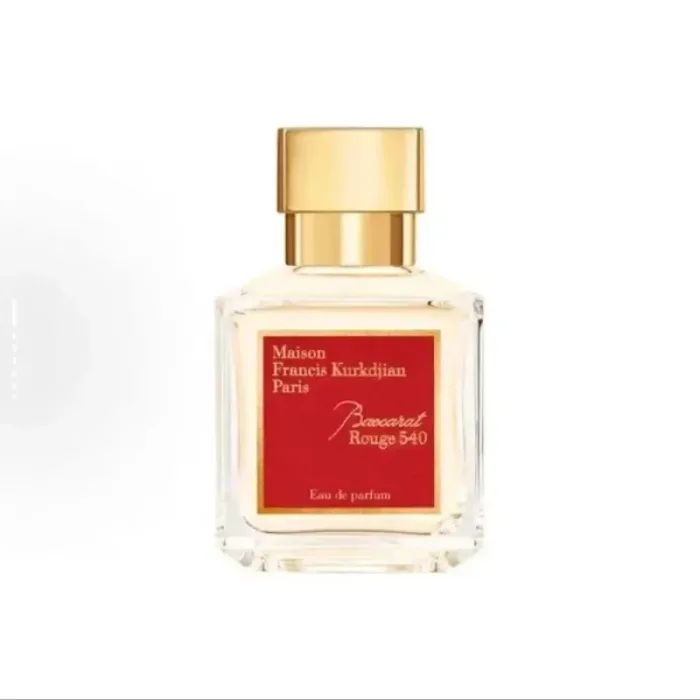 PerfumeCheck route eligibility and liquid restrictions before spending time comparing fragrance listings.Explore →
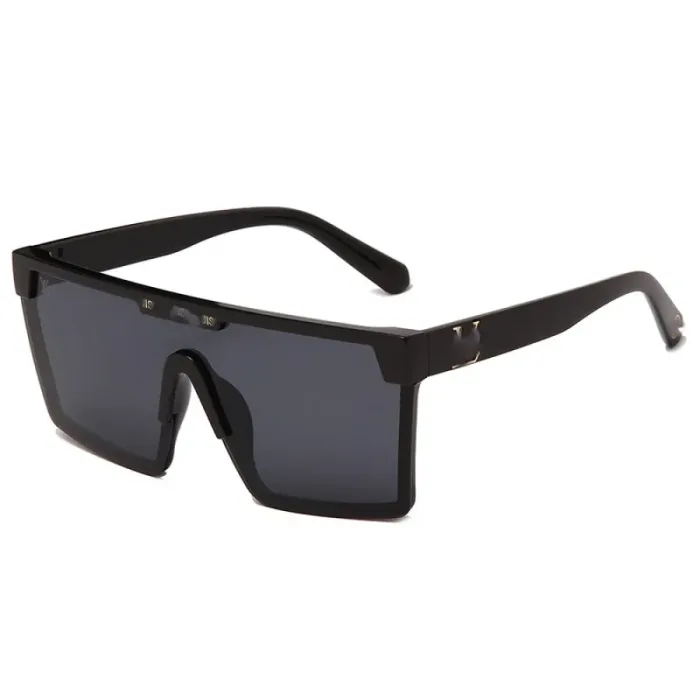 GlassesFrame width, bridge width, lens dimensions and temple length can matter more than how a frame looks in an isolated product photo.Explore →
 Other FindsFor products that do not fit neatly elsewhere, use a specification-first approach and identify the one or two details that determine whether the item works for you.Explore →
How to Use the Directory Efficiently
- Enter the category that best describes the item.
- Read the category-specific "decision lens" before opening products.
- Choose a small set of realistic products.
- Compare the fields that matter for that category.
- Open the current W2C page for products that survive the comparison.
- Recheck the listing before ordering because product information can change.
For a broader starting point across every category at once, see how to use the BBDBuy Spreadsheet as a shortlist tool.
If you are not sure how to narrow the directory, start with How to Use BBDBuy Spreadsheet. Once you have a candidate open, move to How to Read a Product Listing and Before You Order.
Use Categories to Reduce Options, Not Multiply Them
Browse Less. Notice More.
A smaller, category-aware comparison is usually more useful than a large mixed feed. Pick the page that matches the decision you need to make and use it to build a shortlist you can explain to yourself.